








From Aesthetic Choice to UX Standard
For years, light-themed interfaces dominated digital design, largely influenced by print conventions and early screen technologies. White backgrounds, high brightness, and sharp contrast were considered the default. However, as screen usage extended into night-time, low-light, and always-on environments, user preferences began to change.
Dark mode, defined by light text and UI elements set against darker backgrounds, has moved beyond visual novelty. It is now widely recognized as a usability feature that supports prolonged use, reduces glare, and aligns better with natural viewing conditions.
Dynamic theming builds on this foundation by allowing interfaces to automatically adapt based on system settings, time of day, ambient light, or user preference. Instead of forcing users to choose a single static mode, dynamic systems respond intelligently to context. By 2026, this adaptability is increasingly reflected in modern design systems, operating systems, and UX standards across industries.
The UX Benefits of Dark Mode Design
1. Visual Comfort and Reduced Eye Strain
One of the most significant benefits of dark mode design is improved visual comfort, particularly in low-light environments. Dark themes reduce overall screen luminance and minimize glare, which can ease eye fatigue during extended sessions.
Lower visual strain has practical UX implications. Users tend to read longer, stay engaged for extended periods, and experience less cognitive fatigue when interfaces are designed with comfort in mind. For individuals with light sensitivity or photosensitivity, dark-optimized interfaces also improve accessibility, supporting more inclusive digital experiences.
2. Improved Focus and Content Emphasis
Dark interfaces naturally shift attention toward content. With the background visually receding, elements such as typography, imagery, and interactive components become more prominent. This content-first effect is particularly effective for information-heavy platforms, dashboards, editorial layouts, and media-rich interfaces.
Dynamic theming enhances this further by adjusting contrast levels and color values based on context. Whether a user is browsing in daylight or at night, adaptive themes ensure consistent readability without forcing unnecessary visual adjustments.
3. Performance and Energy Efficiency
On devices that use OLED or AMOLED displays, dark themes can reduce power consumption because darker pixels require less energy to illuminate. While performance alone should not dictate design decisions, energy efficiency is becoming an increasingly relevant consideration in UX, especially as sustainability becomes part of broader digital responsibility.
Longer battery life, reduced energy use, and better thermal performance all contribute indirectly to improved user satisfaction.
Adoption Trends and Usage Statistics
The widespread adoption of dark mode is supported by clear usage data. According to recent statistics compiled by WiFiTalents, dark mode has moved firmly into mainstream usage:
 Over 80% of smartphone users actively use dark mode on their devices
- 82% of users report preferring dark mode for extended screen use
- 90% of iOS users and approximately 65% of Android users regularly enable dark mode
- A majority of users state that they expect websites and apps to support dark mode as a standard feature
These figures highlight a critical shift: dark mode is no longer a preference held by a niche audience. It reflects a dominant usage pattern that directly influences how users perceive comfort, usability, and quality in digital products.
Dynamic Theming: Personalization Beyond a Toggle
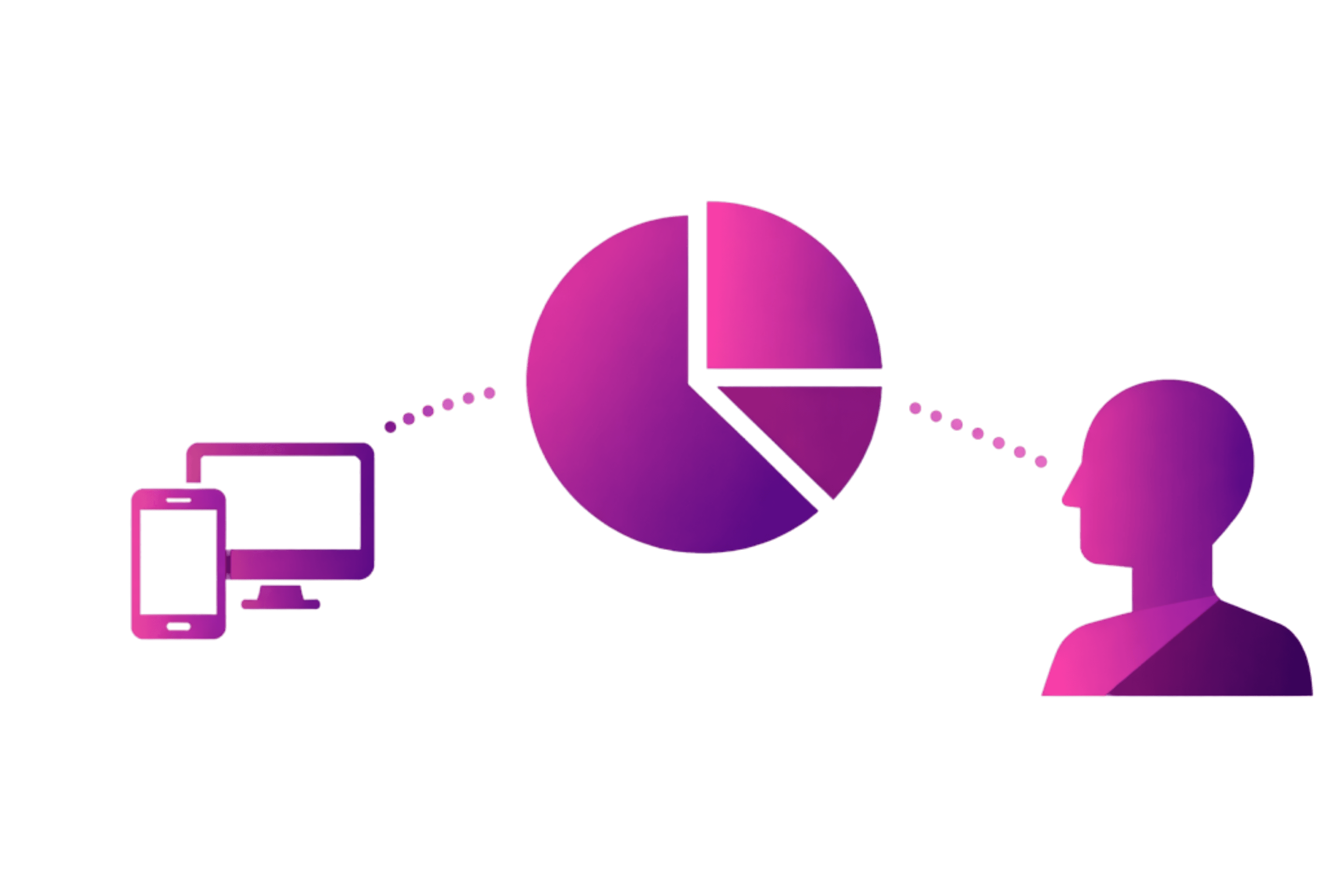
While dark mode alone offers clear benefits, its true strategic value emerges when paired with dynamic theming. Rather than relying on a single manual switch, dynamic theming systems adapt continuously, responding to user behavior and environmental conditions.
This approach delivers three key UX advantages:
- Personalization: Interfaces align with individual visual preferences without constant manual adjustment
- Context Awareness: Themes adapt to lighting conditions, time of day, and system-level preferences
- Consistency: Visual coherence is maintained across devices, reinforcing usability and brand clarity
Together, dark mode and dynamic theming transform the interface from a static surface into a responsive system: one that adjusts rather than dictates.
Best Practices for Implementation
1. Design Thoughtful Color Systems
Effective dark mode design is not achieved by simply inverting light-mode colors. Pure black backgrounds often create harsh contrast and visual fatigue. Instead, muted dark greys and softened hues offer better balance and readability.
Text contrast should meet accessibility guidelines, with a minimum contrast ratio of 4.5:1 for body text. Testing color combinations across devices is essential to avoid issues such as halation or washed-out typography.
2. Maintain User Control
Automatic detection using CSS prefers-color-scheme improves usability, but users should always have the option to override system settings. Manual control respects individual context and prevents frustration when environmental conditions change.
3. Refine Transitions and Hierarchy
Smooth transitions between themes help maintain visual continuity. Subtle fades or micro-interactions prevent abrupt changes that can disrupt user focus. Visual hierarchy also requires careful attention, as dark themes can compress depth perception. Clear spacing, elevation, and contrast are critical to maintaining structure.
4. Test Across Devices and Conditions
Dark mode behaves differently across OLED, LCD, and high-brightness displays. Testing should include mobile, tablet, and desktop environments under varying lighting conditions to ensure consistent comfort and clarity.
SEO and Engagement Implications
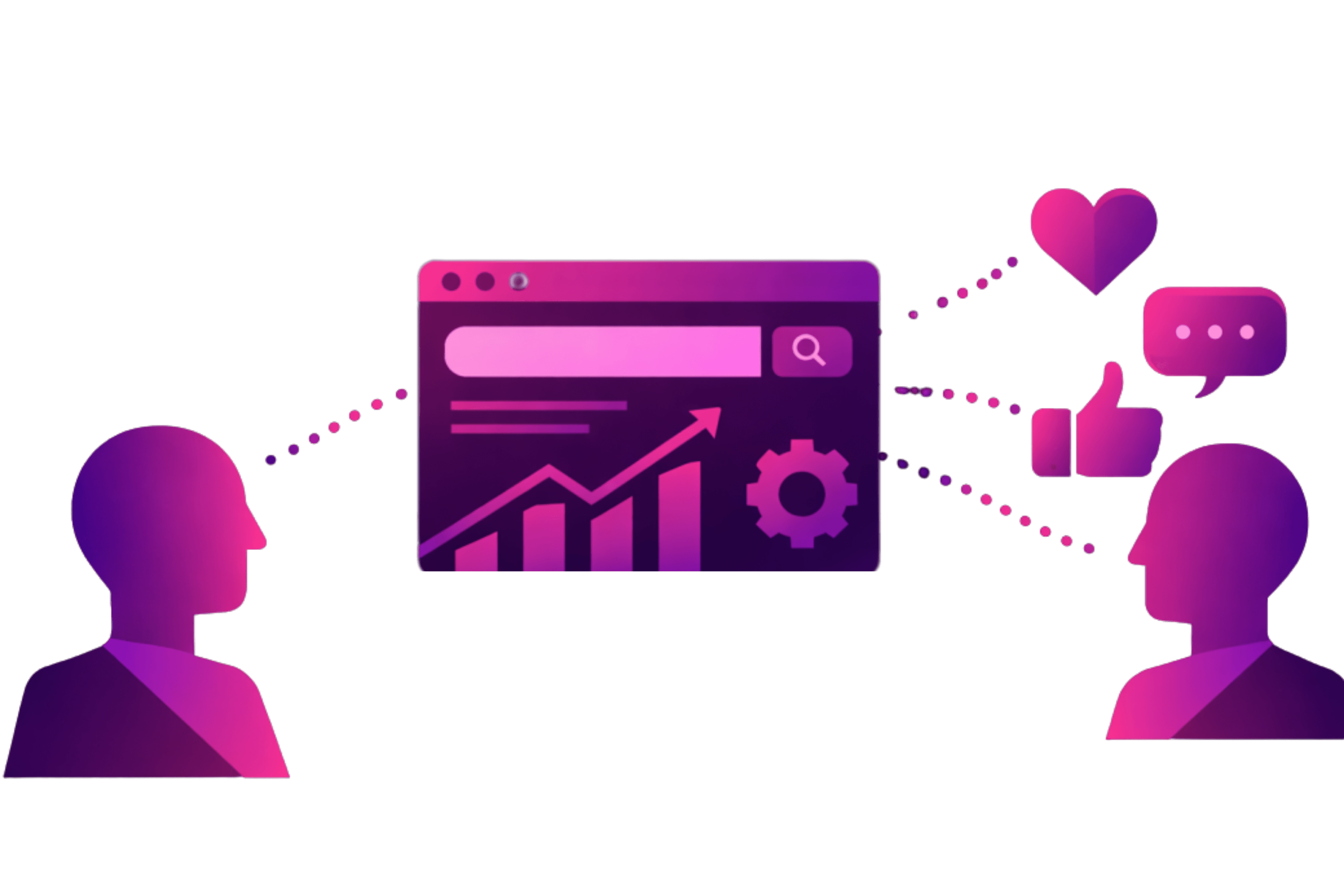
From an SEO perspective, dark mode and dynamic theming indirectly support performance metrics that search engines increasingly value. Improved readability and visual comfort contribute to longer session durations, reduced bounce rates, and stronger engagement signals.
Well-structured dark interfaces also enhance content consumption, making long-form reading and information scanning more accessible across devices, particularly during evening and low-light usage.
Design Awareness in Practice
At Figmenta Studio, design decisions are closely informed by evolving user behavior, accessibility standards, and interface trends. Continuous observation of patterns like dark mode adoption and dynamic theming helps ensure that design systems remain relevant, usable, and context-aware, without relying on trends for their own sake.
Conclusion: A Human-Centered UX Strategy
In 2026, dark mode and dynamic theming are no longer considered optional enhancements. They are foundational components of human-centered UX design, responding to real user needs for comfort, adaptability, and control.
Beyond aesthetics, these approaches demonstrate an understanding of how users actually interact with screens throughout the day. As digital experiences become more embedded in everyday life, interfaces that prioritize visual comfort and contextual intelligence will continue to set the standard for usability and trust.
Dark mode and dynamic theming may operate quietly in the background, but their impact on user experience is anything but subtle.